

Contact support
Email support@wakekey.app with what you expected, what happened, whether it repeats, your iPhone model, iOS version, and WakeKey version. Never send a barcode value or private screenshot unless you choose to.
The alarm did not sound as expected
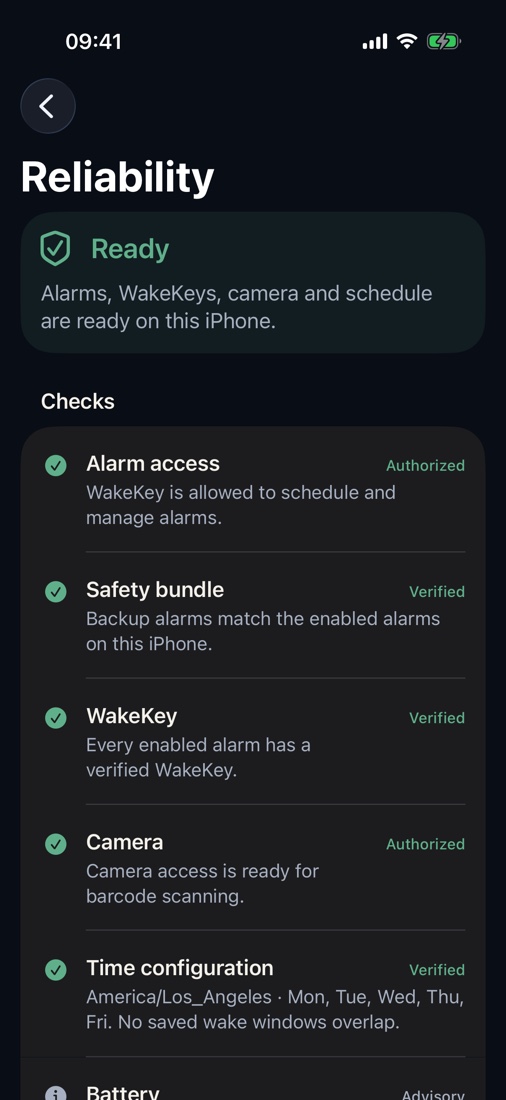
Open WakeKey and review the alarm card and Reliability Center. Confirm alarm permission, audible volume, power, time settings, and that the alarm is armed after any change.
The barcode will not scan
Clean the lens, use even light, keep the whole barcode inside the guide, avoid glare, and move slightly farther away. Recovery remains available when the saved item is missing or damaged.
Recovery and Emergency
Recovery is an accessible fallback when the correct WakeKey cannot be scanned. Emergency Cancel is a separate deliberate path. Neither requires Pro.
Purchases
The App Store controls prices, trial eligibility, billing, cancellation, and refunds. Use Restore Purchases in WakeKey if an eligible purchase is missing.