01
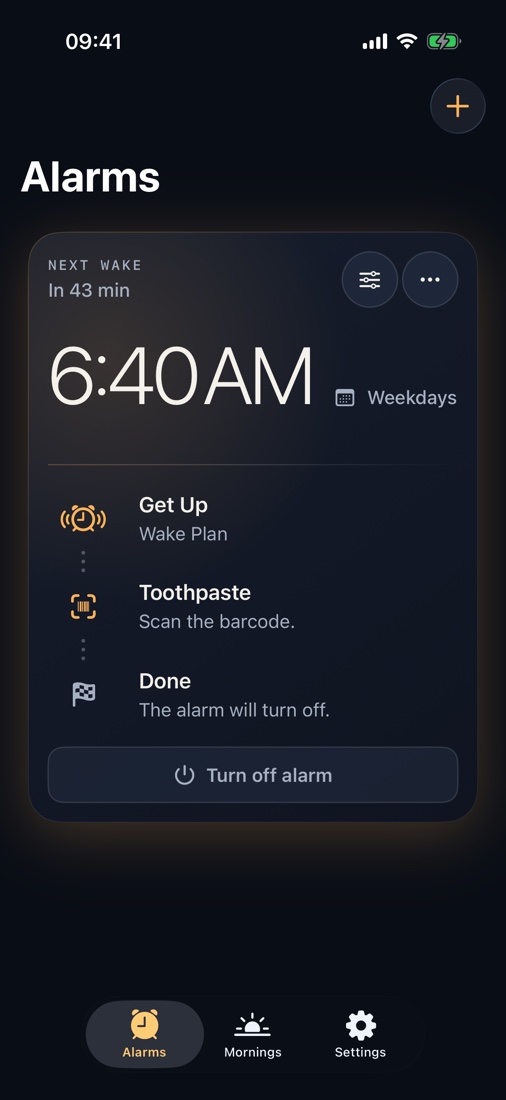
Barcode alarm clock for iPhone
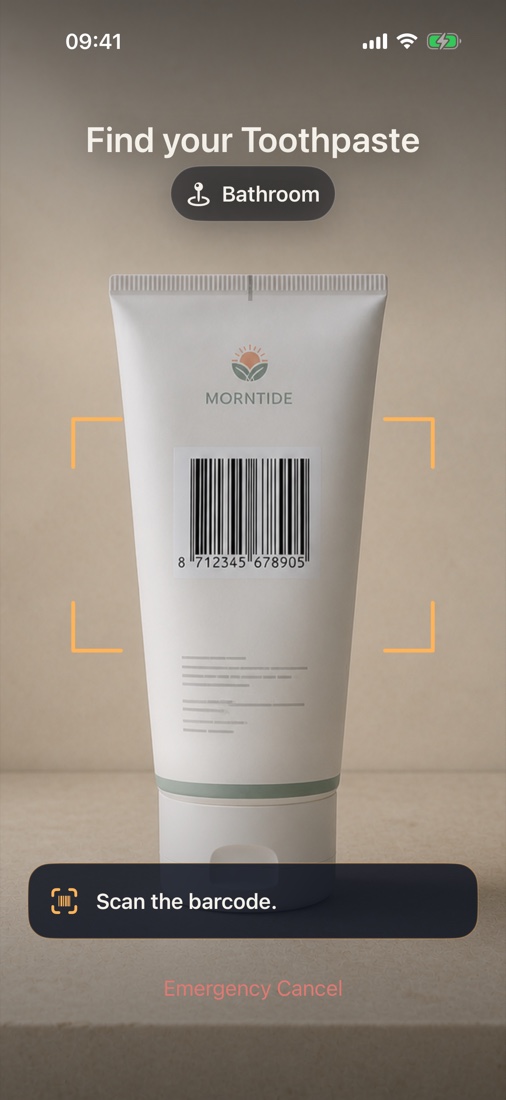
Scan your toothpaste or another WakeKey outside the bedroom.
Requires iOS 26.1 or later · On-device by design
WakeKey is a barcode alarm for iPhone. Save a barcode on an everyday item, then scan that item to complete your chosen wake plan.
For iPhone running iOS 26.1 or later.
WakeKey cannot ring if your iPhone is powered off or fully discharged. For safety-critical events, use an independent backup.
WakeKey · 01 → 02 → 03
CHOOSE THE RIGHT WAKE PLAN
Pick one scan, a second check, or a short route before the alarm starts.
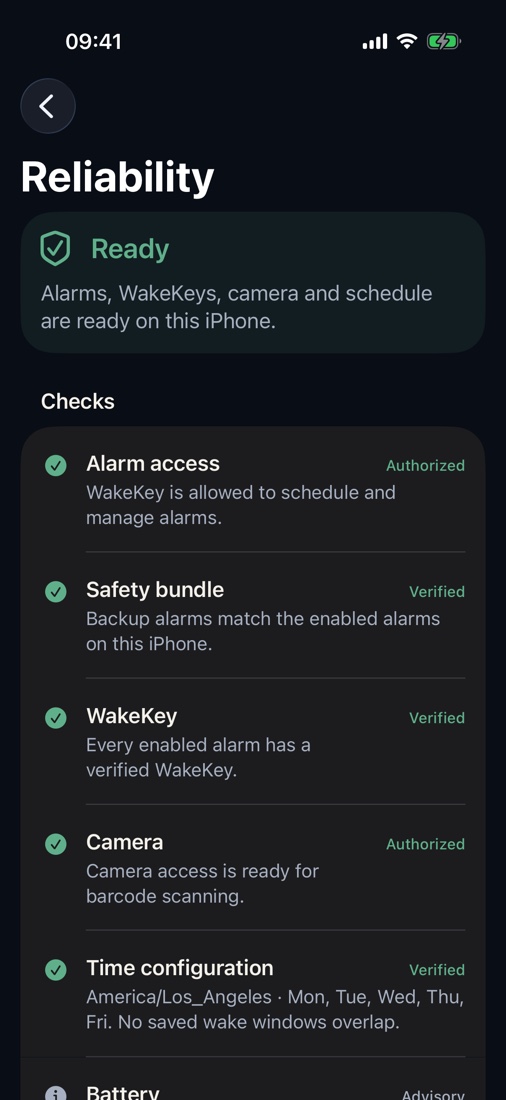
READY BEFORE BED
WakeKey prepares backup protection before you go to sleep. Reliability Center shows what is ready: alarm permission, scheduled protection, your WakeKeys, camera access, time settings, and battery guidance. If an item is unavailable or will not scan, Recovery gives you a safe way forward. Emergency Cancel is always available.
ReliabilityExplore WakeKey
Features
01How it works↗02Wake Plans↗03Get Up↗04Stay Up↗05Wake Route↗06WakeKeys↗07Mornings↗08Reliability↗09Recovery↗10Emergency Cancel↗Guides
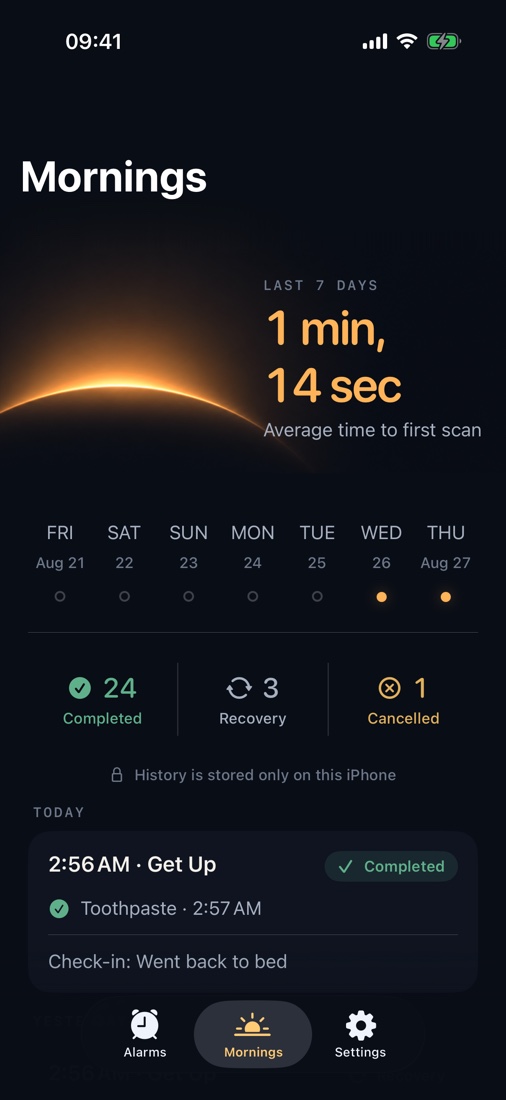
01Get out of bed to turn off your alarm.↗02One scan. Or a second check if you go back to bed.↗03See how quickly you got up.↗04Support · FAQ↗Support & legal
01Support↗02Privacy Policy↗03Terms of Use↗WakeKey · iPhone
Requires iOS 26.1 or later